Google Selfie Video Sign-In: Setup, Safety & Privacy

Google selfie video is an optional backup sign-in method for eligible personal accounts. You record a reference video now; if you are locked out later, Google may compare it with a new live video. Set it up before you lose access, and keep other recovery methods active.
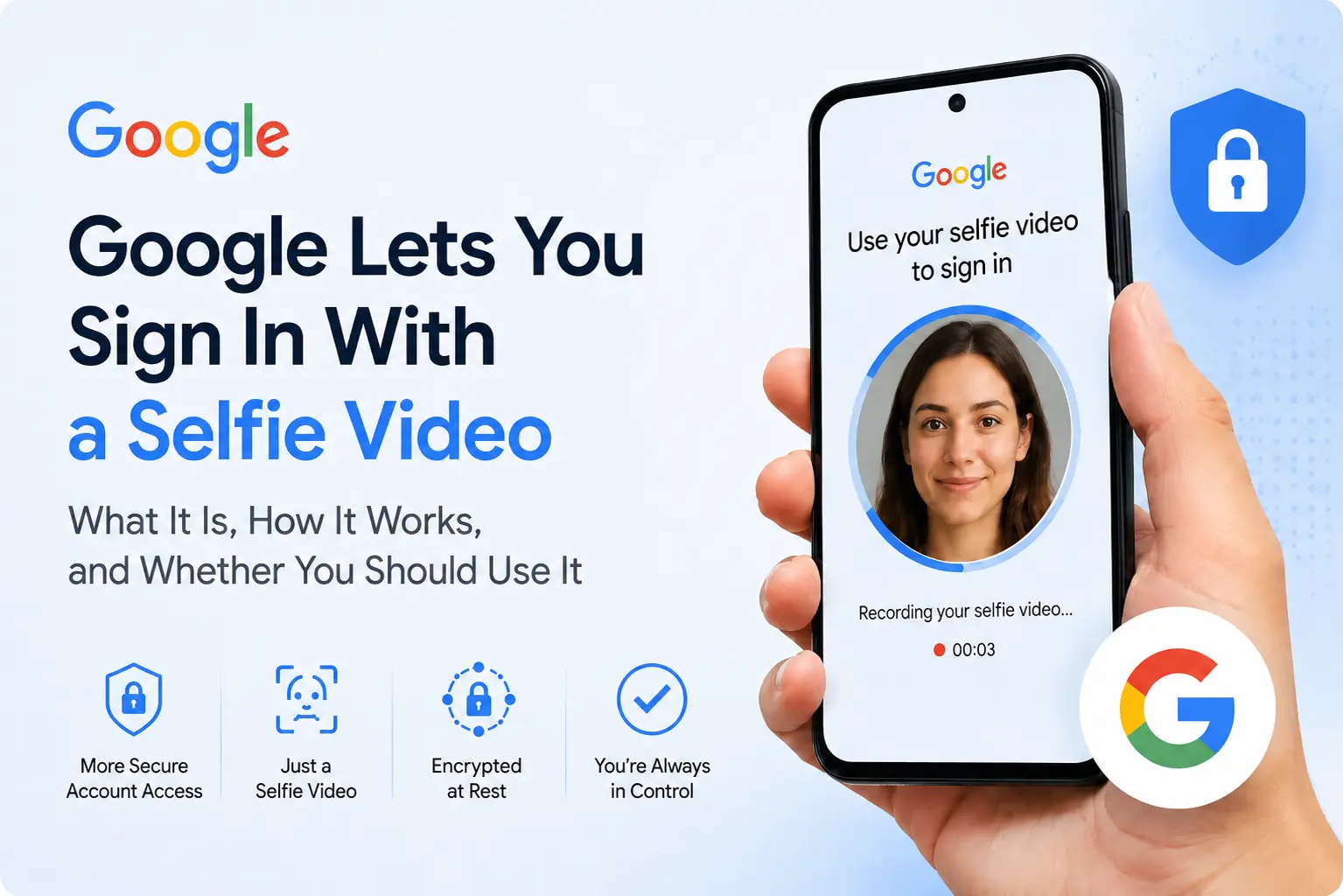
Google announced selfie for sign-in on July 23, 2026, describing it as another sign-in and account recovery option alongside passwords, passkeys, recovery contacts, phone numbers, email addresses, and backup codes. Instead of relying only on something you know or a device you possess, the system compares a newly recorded video of your face with a reference video that you saved earlier.
The feature is rolling out gradually and is not available to every account, region, or device. It is also important to understand that selfie video is a backup method—not a replacement for your password, passkey, or 2-Step Verification setup.
| Question | Short answer |
|---|---|
| What is it for? | Account recovery and other identity checks when Google offers it. |
| Can you add it after lockout? | No. The reference video must be saved in advance. |
| Is it available to everyone? | No. Availability depends on the account, region, and device. |
| Can you delete it? | Yes, from the Selfie video page in your Google Account. |
- What Is Google Selfie Video Sign-In?
- How Selfie Video Verification Works
- How to Set Up Selfie Video for Your Google Account
- Who Can and Cannot Use It?
- Is Google Selfie Video Sign-In Safe?
- Privacy Controls and Data Use
- Should You Enable It?
- Frequently Asked Questions
- Conclusion
What Is Google Selfie Video Sign-In?
Selfie video is an optional identity-verification method that can help you regain access to your Google Account. During setup, Google asks you to record a short reference video while following guided prompts, such as moving or turning your head. If you later cannot sign in, Google may offer selfie video as one of the available recovery checks.
At recovery time, you record a new video. Google compares the face in that video with the saved reference and evaluates whether the recording appears to be live. If the match and other security checks are successful, Google can confirm that you are the account owner.
Important:
- You cannot create the reference selfie after you are already locked out or after the account recovery process has started. Set it up in advance if you want it available as a backup.
How Selfie Video Verification Works
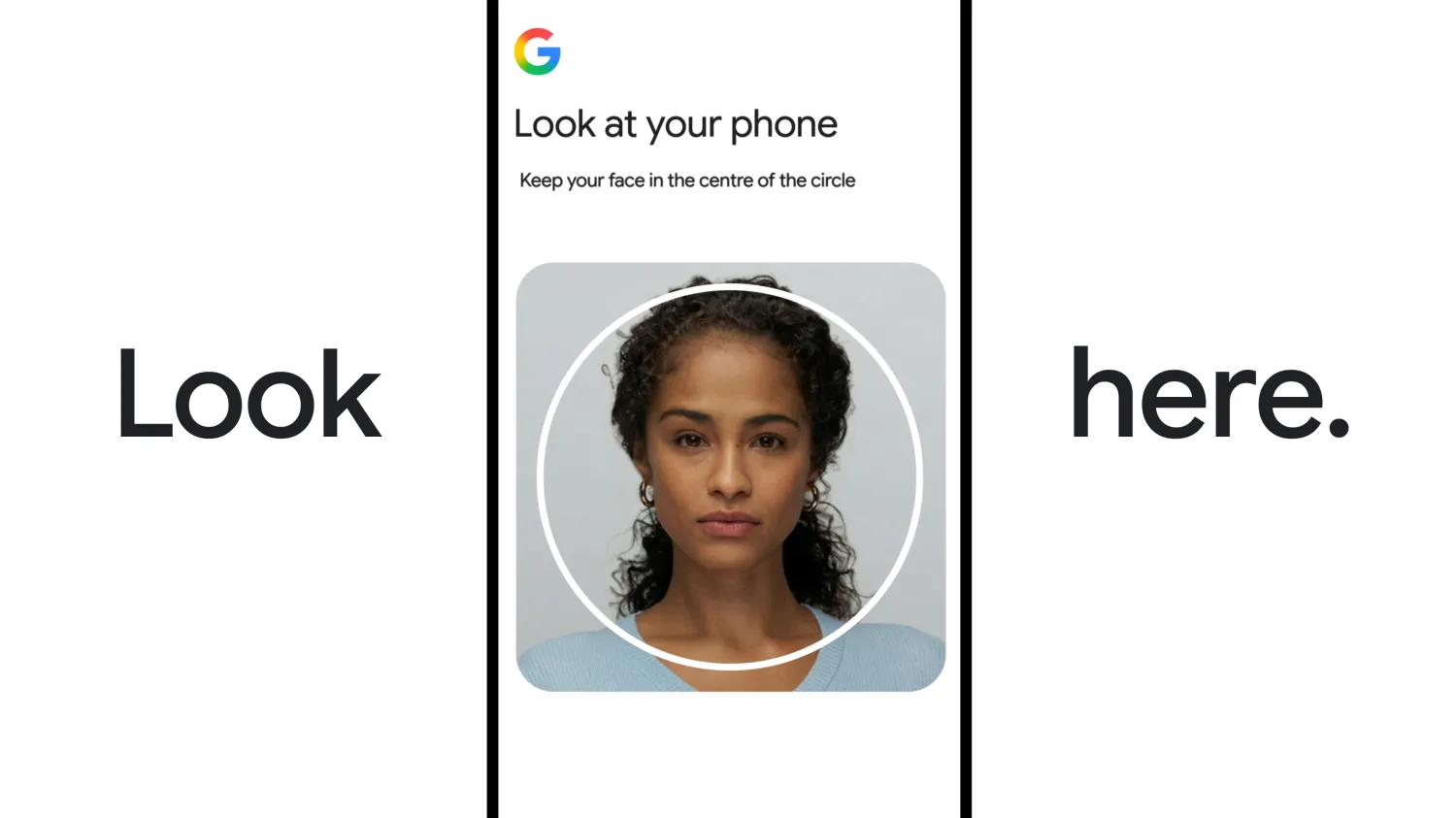
The sign-in process uses two recordings:
Reference videoYou create this while signed in to your account. Google stores it securely so it can be used for future identity checks.
Live verification videoIf Google offers the option during account recovery, you record another short video and perform a requested movement, such as turning your head.
Google says it applies multiple security layers to reduce impersonation attempts involving printed photos, prerecorded clips, synthetic faces, or deepfake videos. The visible movement prompt functions as a liveness check, while Google's normal risk systems also evaluate the broader sign-in attempt.
A facial match does not necessarily guarantee immediate access. Google says it also applies its standard security practices to detect suspicious sign-in attempts, so an unusual or risky recovery attempt may still require another check.
How to Set Up Selfie Video for Your Google Account
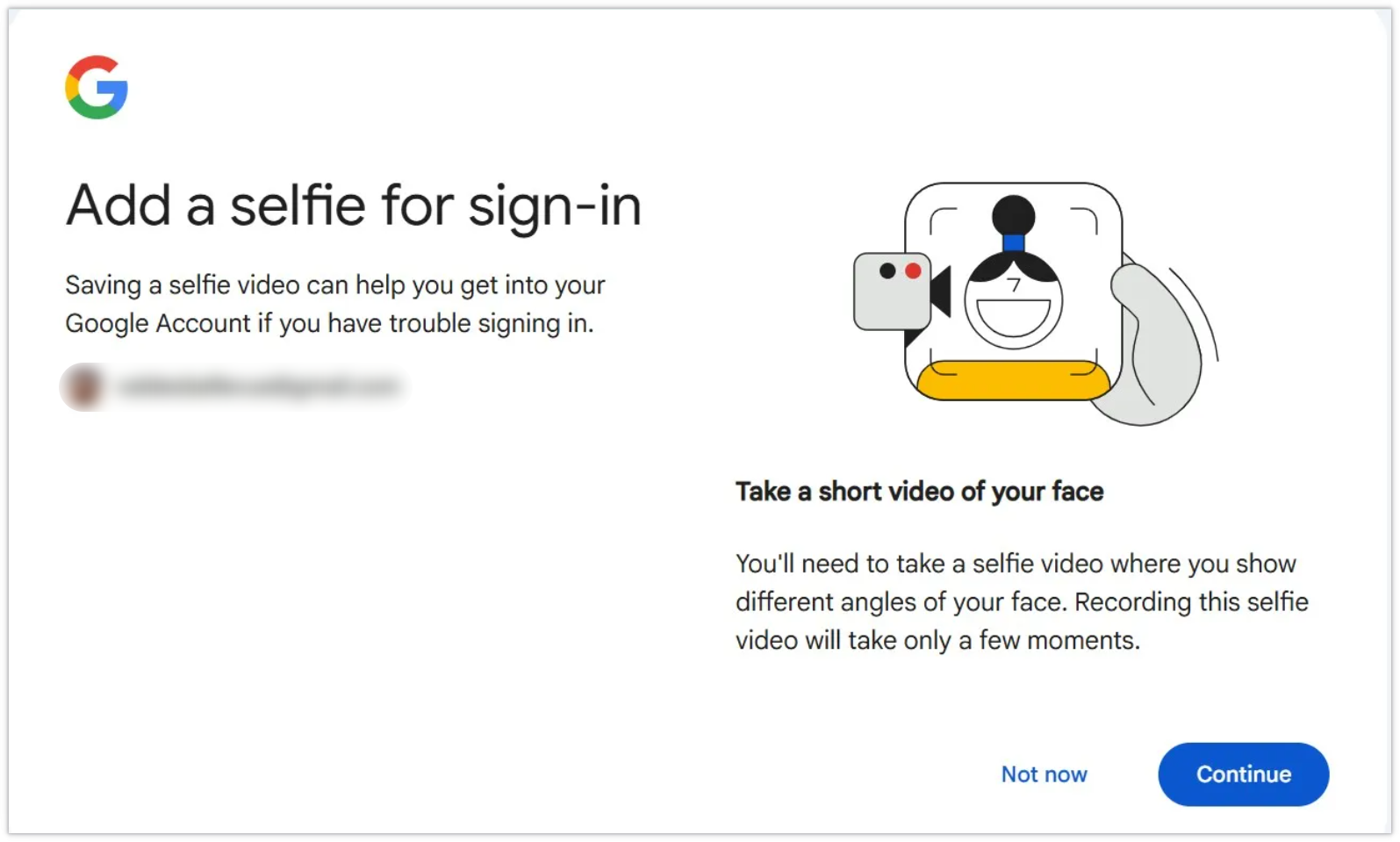
You can check availability from a phone, tablet, or computer with a camera. Google is introducing the feature through a phased global rollout, so the option may not appear on your account yet.
Step 1Go to myaccount.google.com and sign in to the account you want to protect.
Step 2Select Security & sign-in, then scroll to the How you sign in to Google section.
Step 3If your account is eligible, choose Selfie video, open the Add selfie for sign-in page, and select Continue.
Step 4Allow camera access and follow the on-screen movements. Google recommends keeping your eyes, nose, and mouth visible, removing sunglasses, masks, or hats, and ensuring that no other people—or even visible pictures of faces—appear in the background.
Step 5After Google accepts the recording, the reference video appears in your account's selfie video settings. Review the page to confirm the video was saved and to manage its privacy options.
If your computer does not have a suitable camera, Google may display a QR code so you can continue verification on another device. An outdated Chrome version can also cause a camera-unavailable error.
Who Can and Cannot Use It?
Google says selfie video is not available for every region, account, or device. At launch, the following account types cannot add a selfie video:
- Google Workspace accounts
- Child accounts
- Google Accounts enrolled in the Advanced Protection Program
For supported personal accounts, availability is still being rolled out. The fastest way to check is to visit g.co/signin-selfie or look under Security & sign-in in your Google Account.
Is Google Selfie Video Sign-In Safe?
Selfie video can improve recovery resilience because it gives you an additional path back into an account when your phone, passkey device, security key, or authenticator app is unavailable. It also avoids relying only on knowledge-based questions or easily copied static images.
However, it should not be treated as an infallible biometric lock. Facial verification systems can produce false matches or false rejections, appearance can change over time, and attackers continue to improve synthetic-media techniques. Google's defense therefore combines facial comparison, liveness prompts, encryption, suspicious-sign-in detection, and other account-risk signals.
Google Account Help advises updating the stored selfie if your facial appearance changes significantly. Users should also retain multiple recovery options instead of depending on one biometric method.
Recommended security setup
- Keep a current recovery phone number and recovery email.
- Use a passkey or hardware security key for normal sign-ins.
- Enable 2-Step Verification and securely store backup codes.
- Add a recovery contact where available.
- Use selfie video as an additional recovery route, not the only route.
Privacy Controls and Data Use
Google states that the reference video is recorded with your consent, encrypted at rest, and used by default to help with sign-in. This describes protection while the video is stored; Google does not describe the feature as end-to-end encrypted. You can delete it from the selfie video page in your Google Account, although Google notes that deletion may take some time and that data may be retained temporarily for security or policy-enforcement reasons.
During setup, Google may also offer a separate optional setting called Improve Google services. Enabling it allows Google to use selfie videos and related data to develop facial recognition, age-estimation, and other verification methods that analyze physical features or movement. This setting is optional and can be turned on or off later.
This distinction matters: enabling selfie video for account recovery does not automatically require you to opt into broader product-improvement use. Users who want the recovery feature but prefer stricter data minimization should review the checkbox carefully and leave the optional improvement setting disabled.
Should You Enable It?
Selfie video is most useful for people whose Google Account contains important Gmail messages, Drive files, Photos, YouTube data, calendar events, or business records and who want another recovery method in case their main devices are lost or inaccessible.
You may prefer not to enable it if you are uncomfortable storing a reference video of your face on Google's servers, even with encryption and deletion controls. In that case, strengthen your account with passkeys, recovery contacts, updated recovery information, backup codes, and a hardware security key.
For most eligible users, the practical approach is to treat selfie video as a spare key. It can reduce the chance of permanent lockout, but it should sit beside—not replace—phishing-resistant sign-in methods and well-maintained recovery information.
Frequently Asked Questions
Can I sign in to Google with only my face?
Not in every situation. Selfie video is an optional recovery and verification method. Google may offer it when you cannot use your normal sign-in methods, but additional security checks can still be required.
Can I add a selfie video after I get locked out?
No. The reference video must be saved while you still have access to the account. It cannot be added during account recovery.
Does it work like Apple Face ID?
The setup experience is similar because both capture multiple angles of your face, but the systems are technically different. Google's method uses a standard device camera and stores an encrypted reference video in the cloud, while Face ID relies on Apple's device-based TrueDepth hardware.
Can a photo or deepfake unlock the account?
Google says it uses guided movements, liveness detection, facial comparison, and suspicious-sign-in checks to resist static photos, replayed video, and deepfakes. No biometric system should be considered perfect, so Google may require additional verification when an attempt looks risky.
Can I delete the saved selfie video?
Yes. Open the selfie video page in your Google Account and choose Delete. Once removed, it will no longer be available as a sign-in recovery method.
Is the selfie used to train Google's systems?
Only if you separately enable the optional Improve Google services setting. You can change that permission later from the same selfie video settings page.
Conclusion
Google's selfie video sign-in feature gives eligible users another way to prove account ownership when their usual devices or authentication methods are unavailable. The feature is relatively simple to configure, includes liveness and risk checks, and provides controls for deletion and optional data sharing.
The main limitation is timing: it must be set up before you are locked out. Check your Google Account now, decide whether the biometric privacy tradeoff is acceptable, and keep at least two other recovery methods active. A selfie video can be a useful spare key, but a secure Google Account still depends on layered protection.