When your Surface tablet lacks pre-installed Office software, explore two official Microsoft solutions: purchase a perpetual license or subscribe to Office 365 Personal/Home. This guide reveals five legitimate methods to access Microsoft Office at zero cost, including temporary trials and educational benefits.
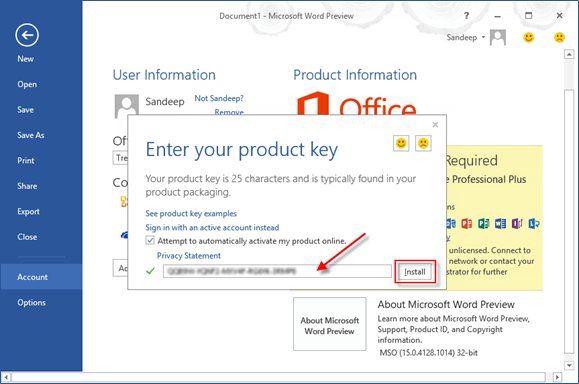
Migrate existing Office 2013/2016 licenses to your new Surface by first deactivating on old devices. Use our Product Key Finder to retrieve lost credentials - detailed in our guide Recovering Lost Office Product Keys.
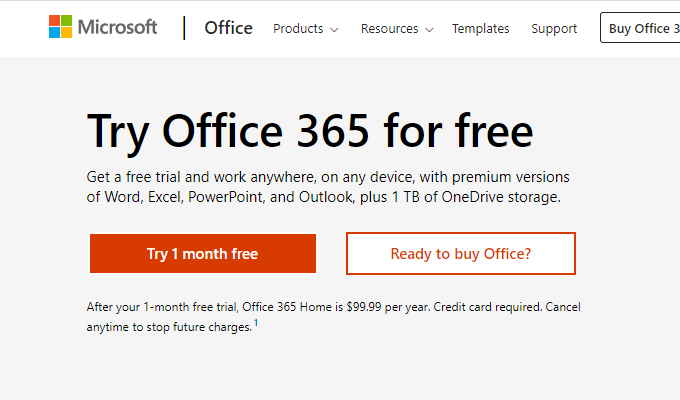
Experience full Office 365 capabilities risk-free with Microsoft's official 30-day trial. Ideal for testing premium features like cloud storage and automatic updates before committing to subscription plans.
Office 365 subscriptions guarantee access to the latest Office versions, including future upgrades. Current users enjoy Office 2019 features with seamless transition to newer releases at no extra cost.
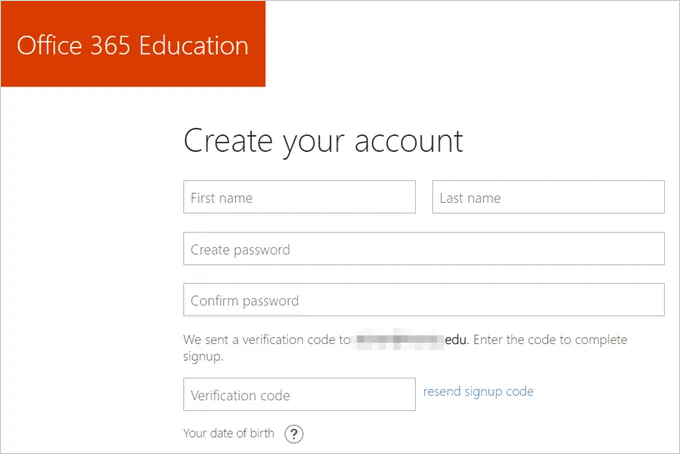
Students and faculty can verify eligibility for free Office 365 Education using their school-issued email address. Requires institutional participation in Microsoft's education program.
Educational institutions not yet enrolled can register to unlock premium benefits: collaborative Class Notebooks, unlimited video conferencing, and custom SharePoint sites alongside full Office access.
Note: Recent graduates may lose access to educational Office licenses - verify alumni benefits with your institution's IT department.
No subscription? Use the feature-rich Office Online web suite for basic document creation and editing. Follow these steps:
1. Navigate to Microsoft's official Office Online portal
2. Select desired application (Word/Excel/PowerPoint)
3. Choose from professional templates or blank documents
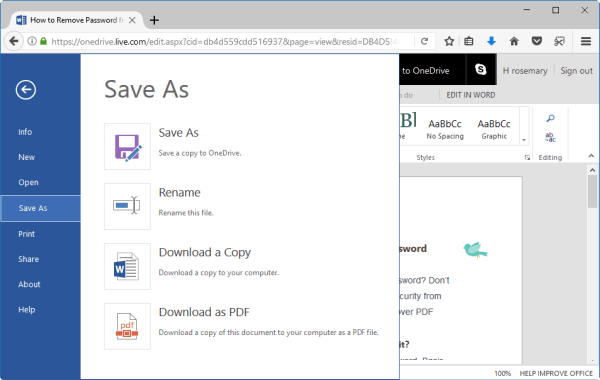
4. Auto-save to OneDrive with export options (DOCX, PDF) via File menu
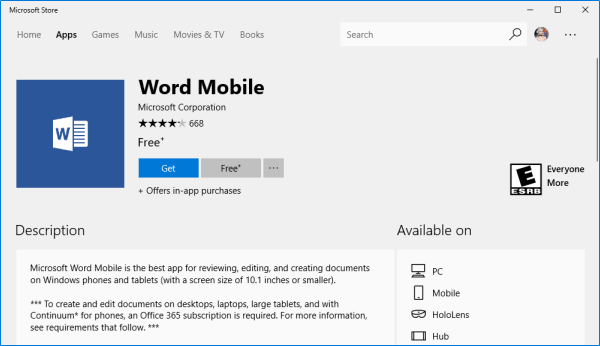
Windows 10 devices support lightweight Office Mobile apps from Microsoft Store. While limited in advanced features, they handle essential tasks - upgrade to desktop versions for complex workflows.