iPhone Screen Goes Black After Dropping but Phone Still Works? Fixes

You accidentally dropped your iPhone on the ground. The outer glass might not even be cracked, but the display goes completely black. You can still hear incoming phone calls, feel the phone vibrate when plugging in the charger, and Siri still replies. Here is how to diagnose whether it is a shock crash or hardware damage, how to back up your data with a black screen, and your best repair options.
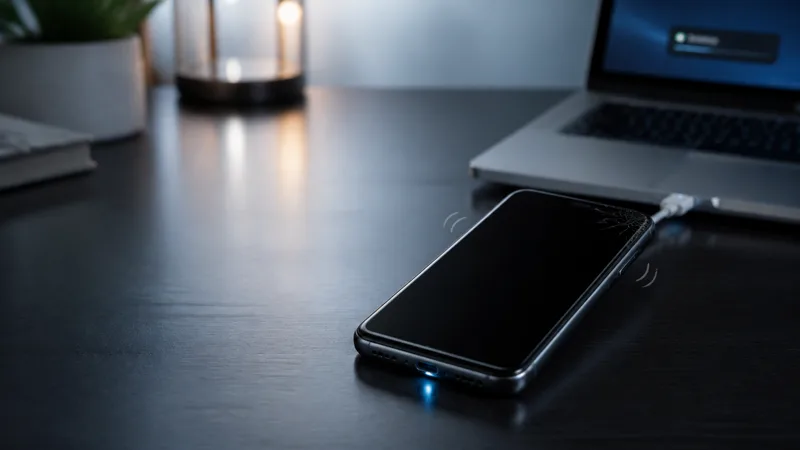
Dropping an iPhone is an agonizing moment, but finding that your iPhone screen is black after dropping while the phone still works provides a critical silver lining: **your logic board, internal storage, and personal data are alive**. You have not lost your photos, chats, or notes.
If your device experienced sudden display blackouts during normal everyday use without any drop or impact, check our comprehensive guide on how to fix iPhone screen going black randomly. If the blackout happened immediately following a physical drop, follow this step-by-step recovery workflow.
| Diagnostic Test | Observation | Likely Status |
|---|---|---|
| Mute Switch / Vibration | Phone vibrates when flipping side switch or plugging in charger | Motherboard Alive: Power IC and CPU are executing iOS. |
| Voice Assistant (Siri) | "Hey Siri" answers voice prompts or sets alarms | System Responsive: Microphone and audio decoders are operating. |
| Flashlight Test | Faint lock screen image visible under direct angled light | Backlight Circuit Fault: Display matrix works; backlight filter damaged. |
| Force Restart Result | Apple logo never shows; sounds continue normally | Hardware Screen Failure: OLED matrix fractured or display cable detached. |
- Why Does the Screen Go Black After Dropping When the Phone Works?
- Step 1: Test Phone Responsiveness (Is the Logic Board Alive?)
- Step 2: Force Restart the iPhone (Clear Shock-Induced Freeze)
- Step 3: Perform the Flashlight Backlight Check
- Step 4: Back Up Your iPhone Data to Computer Immediately
- Step 5: When Software Repair Applies vs Hardware Repair
- Step 6: Evaluate Screen Replacement & Repair Options
- Frequently Asked Questions
Why Does the Screen Go Black After Dropping When the Phone Works?
When an iPhone hits a hard floor, kinetic shock waves travel through the chassis. Even if Apple's front Ceramic Shield glass withstands the drop without shattering, internal components can suffer microscopic failures:
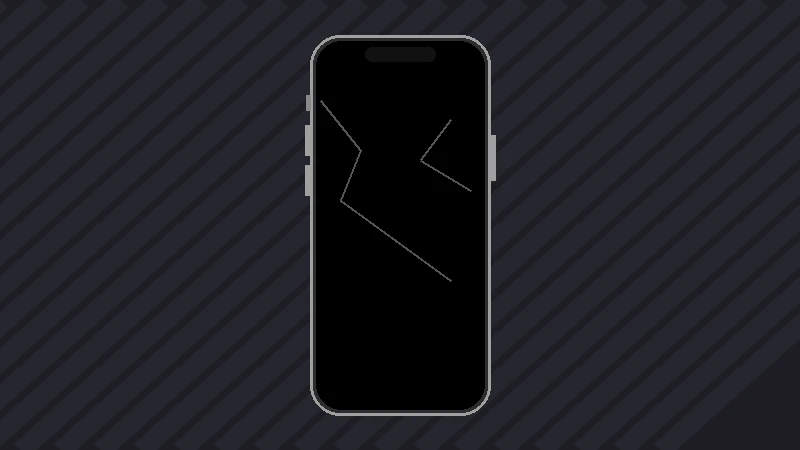
- Internal OLED matrix fracture: OLED panels are ultra-thin layers of organic diodes. Impact shock can crack the internal glass substrate, causing total pixel failure (black screen) without breaking the outer cover glass.
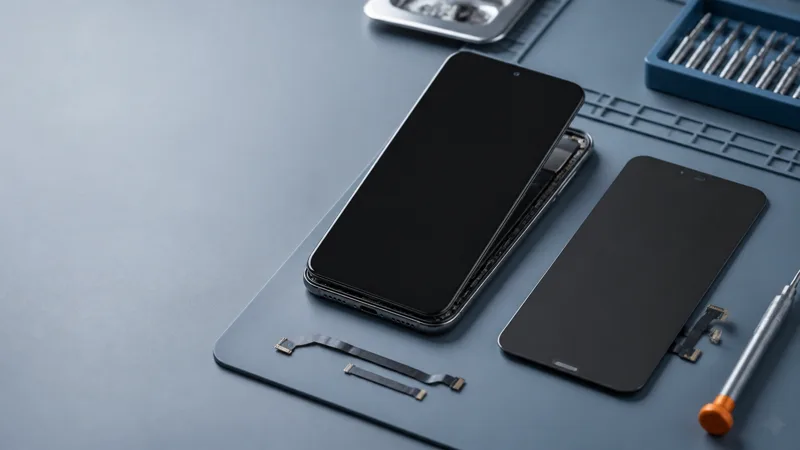
- Dislodged display FPC flex connector: The display flex cable connects to the logic board with a snap-in terminal. A violent drop can pop the connector off its motherboard socket.
- Damaged display backlight filter: Shock can fracture surface-mount inductor diodes or backlight capacitors on the logic board.
- Shock-induced kernel / graphics crash: The sudden mechanical jolt can momentarily dislodge battery power lines, sending the iOS graphics compositor into a suspended freeze while background daemons continue.
Step 1: Test Phone Responsiveness (Is the Logic Board Alive?)
Before assuming the worst, confirm that the motherboard is still functioning:
- Toggle the Silent switch / Action Button: On iPhone 14 and earlier, flip the physical mute switch on the left edge. On iPhone 15 Pro / 16 series, press the Action button. If you feel a haptic buzz, the phone is powered on.
- Call the device from another phone: Dial your phone number. If you hear it ringing in the room or feel continuous vibration, the cellular modem and audio subsystem are intact.
- Trigger Siri: Say "Hey Siri, what time is it?" or press and hold the Side Power button for 2 seconds. If Siri speaks the answer, iOS is completely responsive.
- Connect to a computer: Plug the iPhone into a PC or Mac via USB. If your computer chimes or Apple Devices / Finder detects an iPhone, your data is 100% accessible.
Step 2: Force Restart the iPhone (Clear Shock-Induced Freeze)
In roughly 10% of drop cases where the display panel is not physically cracked, the impact causes a temporary sensor or battery voltage dip that locks the GPU in a sleep state. A hardware force restart cuts power to RAM and forces the display driver to re-initialize.
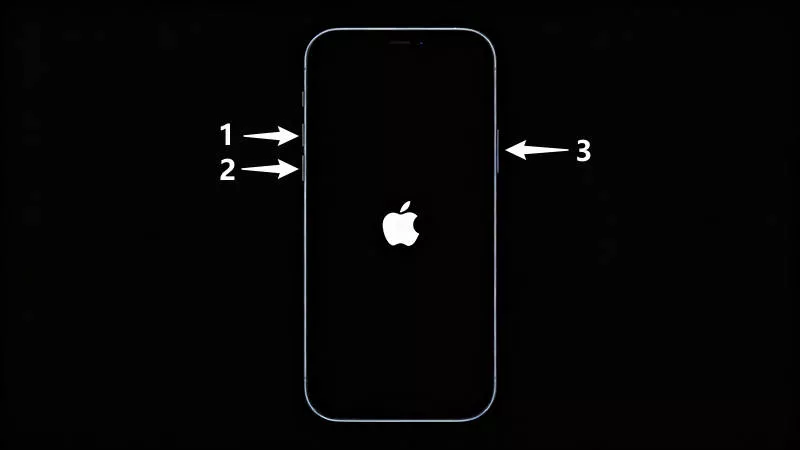
Follow the iPhone force restart procedure:
iPhone 8 / X / 11 / 12 / 13 / 14 / 15 / 16 Press and immediately release Volume Up. Press and immediately release Volume Down. Then press and hold the Side Power button for 15–20 seconds until you see the Apple logo.
iPhone 7 / 7 Plus Press and hold both the Volume Down button and the Power button simultaneously until the Apple logo appears.
Step 3: Perform the Flashlight Backlight Check
If you have an iPhone with an LCD screen (such as iPhone 11, XR, 8, SE) or want to test if the OLED display driver is producing video signals:
Step 1 Enter a completely dark room.
Step 2 Hold a bright flashlight against the display glass at a 45-degree angle.
Step 3 Press the Power button to wake the phone. If you can see faint numbers on the passcode screen or the clock outline, the display panel itself is intact, but the backlight circuit on the motherboard has suffered shock damage.
Step 4: Back Up Your iPhone Data to Computer Immediately
Since your phone is still running, **back up your valuable photos, messages, and contacts before sending it for repair**.
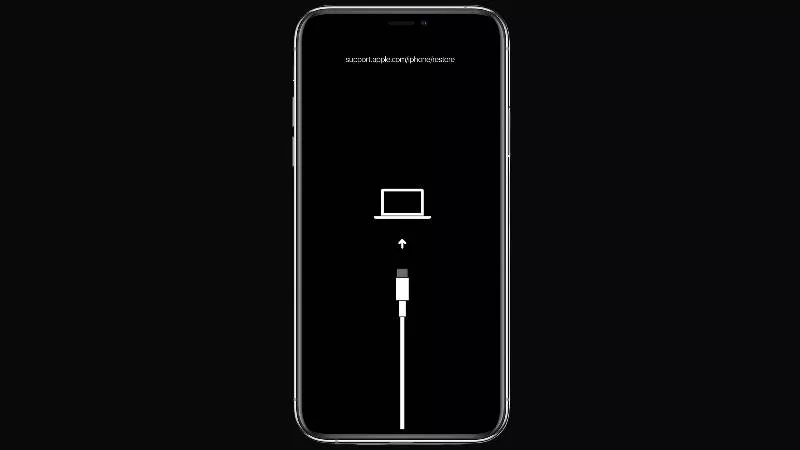
Method A: Trusted Computer Backup Connect your iPhone via USB cable to a PC or Mac that you have previously trusted. Open Finder (Mac) or iTunes / Apple Devices (Windows). Because the computer is already authorized, click Back Up Now to create a complete local backup without needing on-screen confirmation.
Method B: Automatic iCloud Backup Connect your iPhone to a known home Wi-Fi network and plug it into a wall charger overnight. iOS will automatically execute an incremental iCloud backup while locked and charging.
Step 5: When Software Repair Applies vs Hardware Repair
Honest Assessment:
- If the internal OLED panel is cracked or the display flex cable is torn by the drop, **no software utility can physically repair broken glass or copper traces**. You will need a hardware screen replacement.
- However, if the screen hardware is intact and the drop caused an interrupted system state, corrupted graphics caches, or an un-wakeable display crash, repairing the iOS firmware via iSumsoft iOS Refixer in Standard Mode will safely reinstall system firmware with zero data loss.
Step 6: Evaluate Screen Replacement & Repair Options
If a force restart and computer backup confirm that the display hardware is non-functional, you have two primary repair avenues:
- Official Apple Store / Apple Authorized Service Provider: Genuine Apple OLED screen replacement preserves full display calibration, True Tone, and factory water resistance. You can schedule an appointment via Apple Support or the Apple Support app.
- Reputable Independent Repair Shop: Independent shops can replace the display panel at a lower cost or simply reseat a dislodged FPC flex cable connector if no physical components were broken.
Frequently Asked Questions
Can I see my iPhone screen on a TV or monitor with a black screen?
If you connect a Lightning-to-HDMI or USB-C-to-HDMI adapter, modern iPhones can mirror their display output directly to a TV or computer monitor, allowing you to view your screen content even if the built-in phone panel is dark.
Why does my screen show green or purple vertical lines after a drop before turning black?
Vertical colored lines indicate that the internal OLED ribbon bonding or row/column driver matrix was crushed during impact. As the internal gas seal degrades, the screen eventually goes completely pitch black.
How much does it cost to fix an iPhone screen that went black from a drop?
If the issue is simply a loose internal cable connector, repair shops often charge a minor bench fee. If the OLED panel is fractured, replacement costs range from $80–$150 for older models to $250–$380 for newer Pro Max models through official channels.