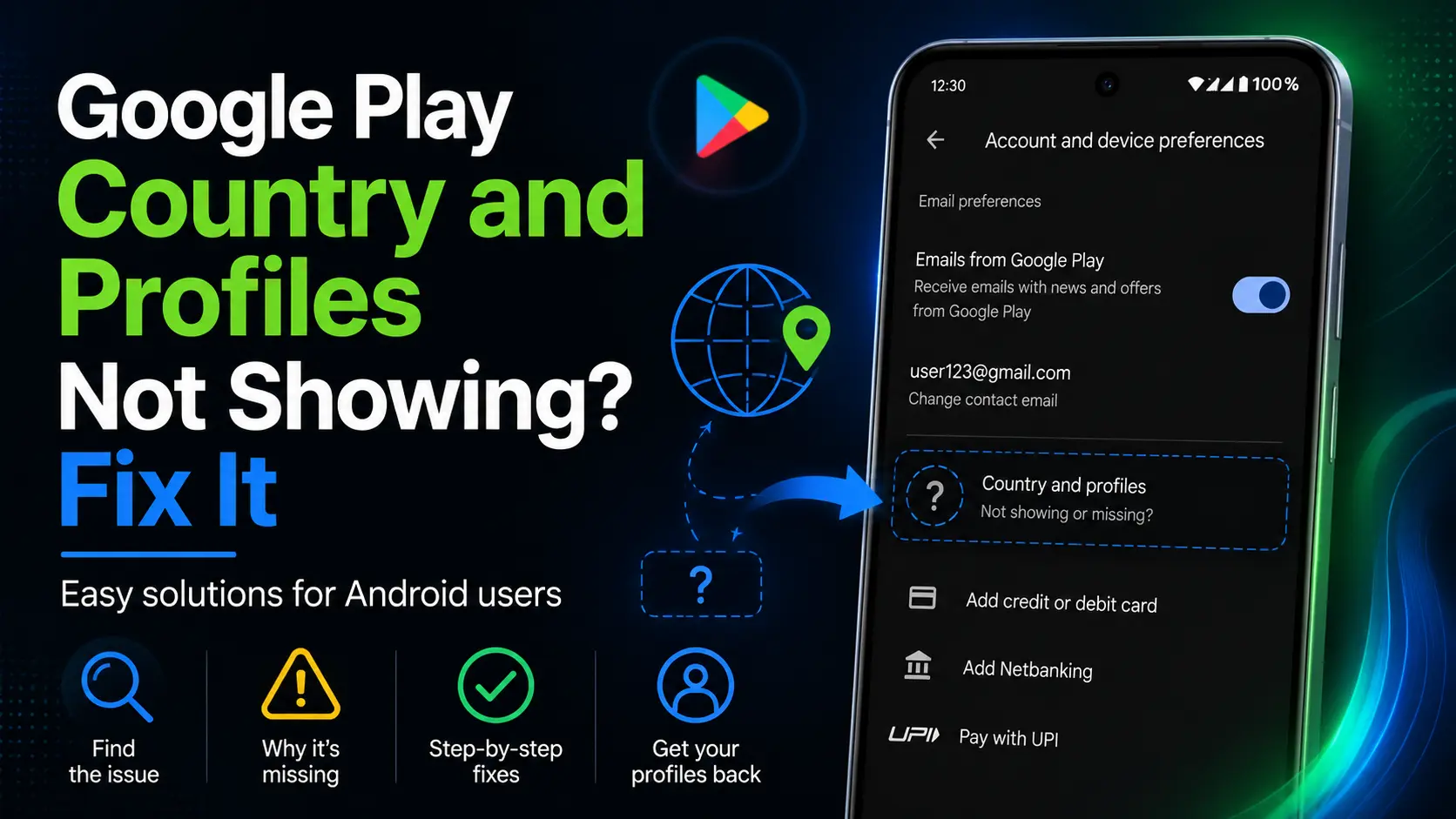
Google Play country controls your Play storefront, while a Google Payments profile stores country-specific billing and transaction information. They are linked, but they are not the same setting.
Google Play country and Google Payments profile country are often mentioned together, which makes them easy to confuse. Your Play country determines the Play Store experience and available content. Your Payments profile stores country-specific billing identity, addresses, payment methods, purchases, and subscriptions.
The settings are linked because Google Play uses Payments information when you establish or troubleshoot a country profile. They are not interchangeable: changing an address does not necessarily change the Payments profile country, and creating a profile does not instantly guarantee that Play Store has switched.
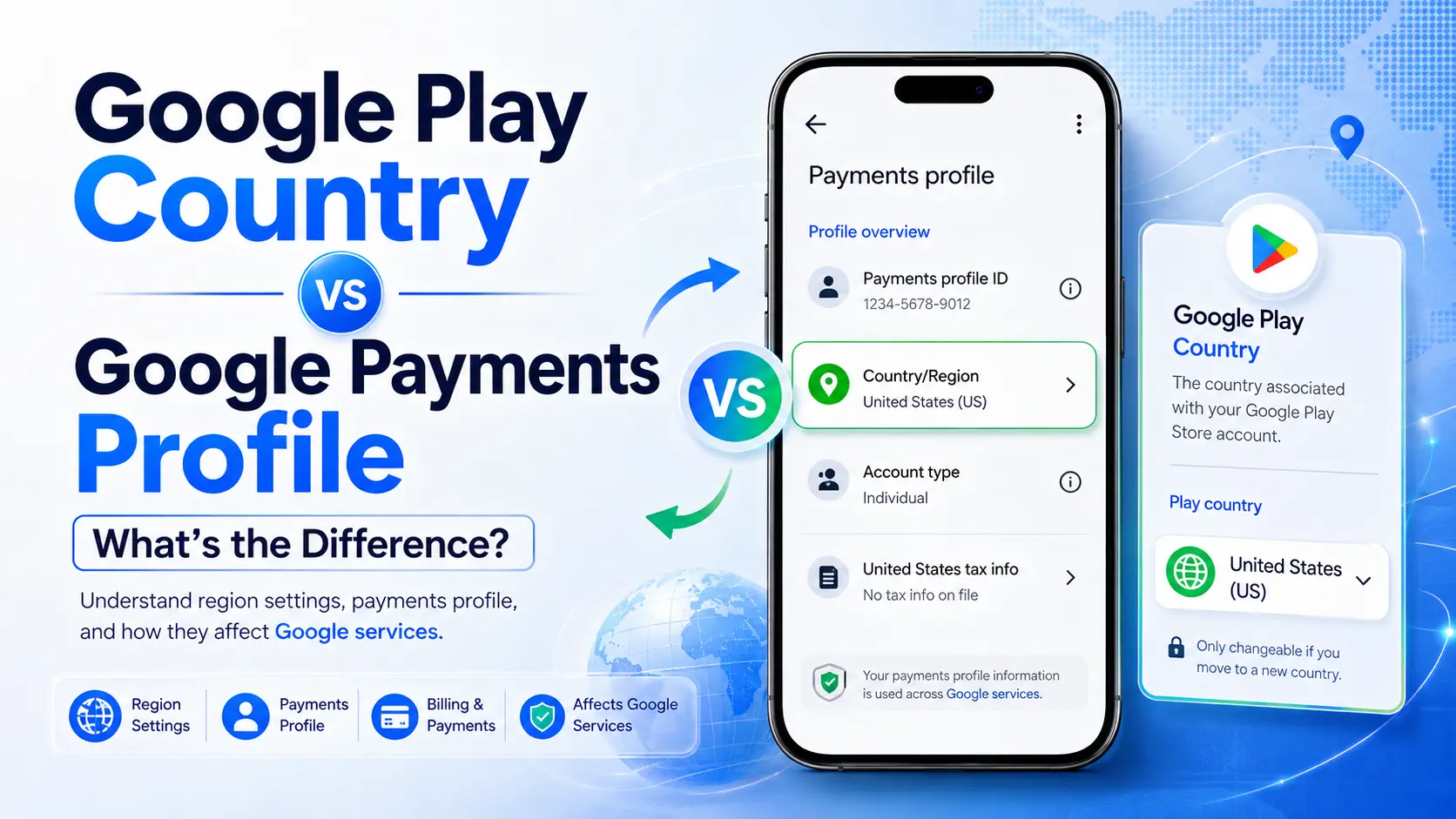
Short answer
| Feature | Google Play country | Google Payments profile |
|---|---|---|
| Main purpose | Selects your Play Store country or region | Stores billing and transaction information for Google services |
| Where to check | Play Store > Settings > General > Account and device preferences > Country and profiles | payments.google.com > Settings > Payments profile > Country/Region |
| Content impact | Affects apps, games, books, films, and other Play content | Does not function as the Play catalog setting by itself |
| Payment information | Requires an eligible local method when setting a new country | Stores cards, bank accounts, addresses, receipts, and recurring payments |
| Country change | Normally limited by a minimum 90-day interval | The country of an existing profile cannot be edited; create a new profile |
| Update time | Google says a profile can take up to 48 hours to update | A new profile may exist before Play Store finishes reflecting it |
Your Play country determines what content you find in the Play Store and in apps. Apps, games, films, books, subscriptions, prices, and other offerings can vary by country.
Changing it may affect:
Google currently requires you to be physically located in the new country and have a payment method from there. You must generally wait at least 90 days after initially setting the country and between later changes. Google Family members cannot change their Play country.
A Payments profile is the record Google uses to organize payment-related information. According to Google, it may store:
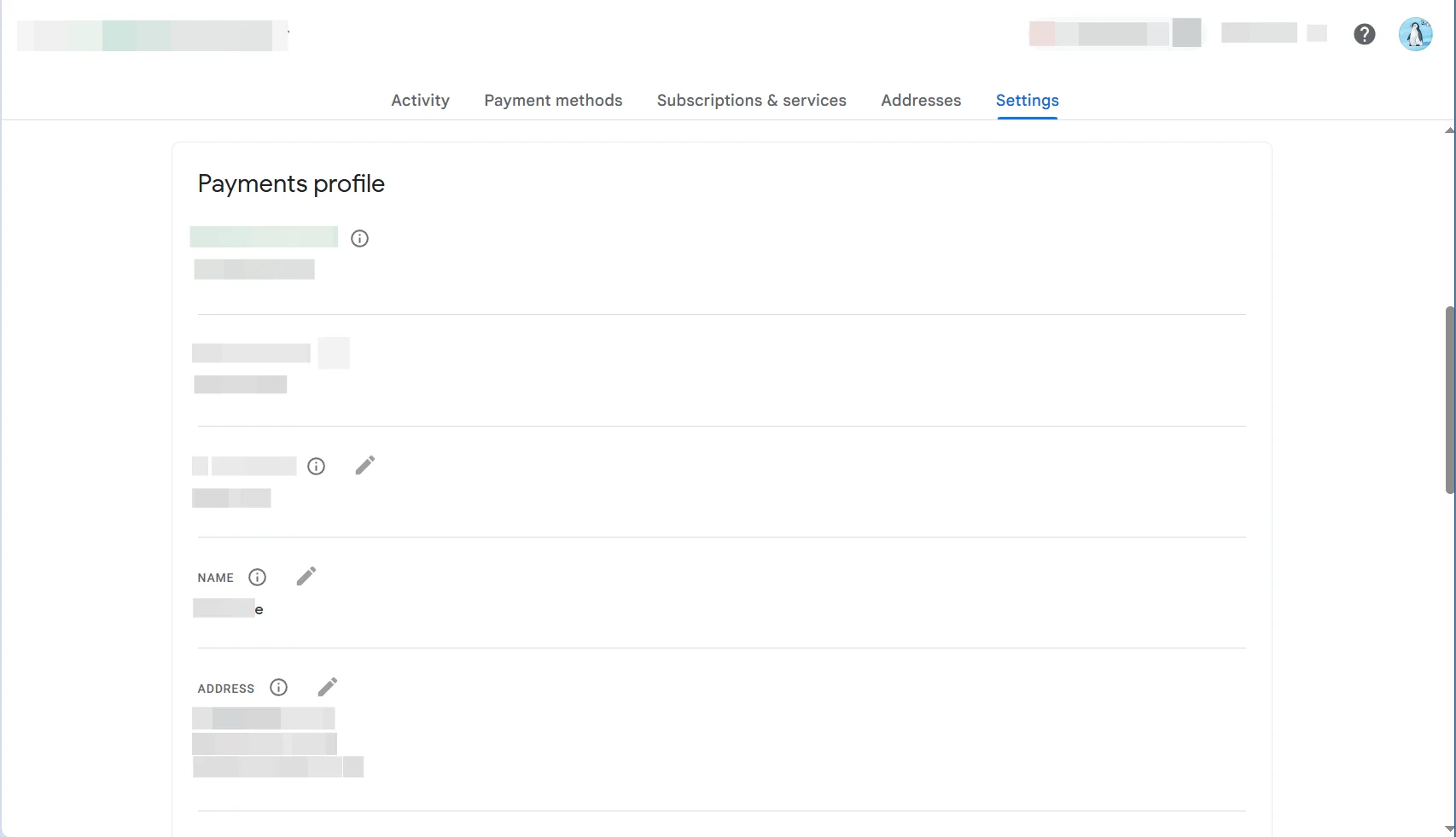
A profile can be associated with only one country. Google says you cannot change that country on the existing profile; you must create a country-specific Payments profile.
You can edit other information, including some addresses and payment methods, but changing an address is not the same as changing the profile's fixed Country/Region.
When you set up a new Play country, Google requires a payment method from that country. Google Play's own troubleshooting instructions also direct users to check Payments profile > Country/Region and create a correct-country profile if needed.
This connection does not mean that any new Payments profile instantly changes Play Store. Your physical location, eligibility interval, Family status, selected account, and synchronization time still matter.
A consistent example would be:
| Setting | Example |
|---|---|
| Physical residence | Canada |
| Google Play country | Canada |
| Active Payments profile | Canada |
| Billing address | The cardholder's real Canadian billing address |
| Payment method | A method supported for Google Play in Canada |
This is an example of a coherent purchase setup, not a claim that every Google product enforces identical country rules.
Step 1 Open Google Play Store and tap your profile icon.
Step 2 Go to Settings > General > Account and device preferences > Country and profiles.
Step 3 Note the country with the active check mark.
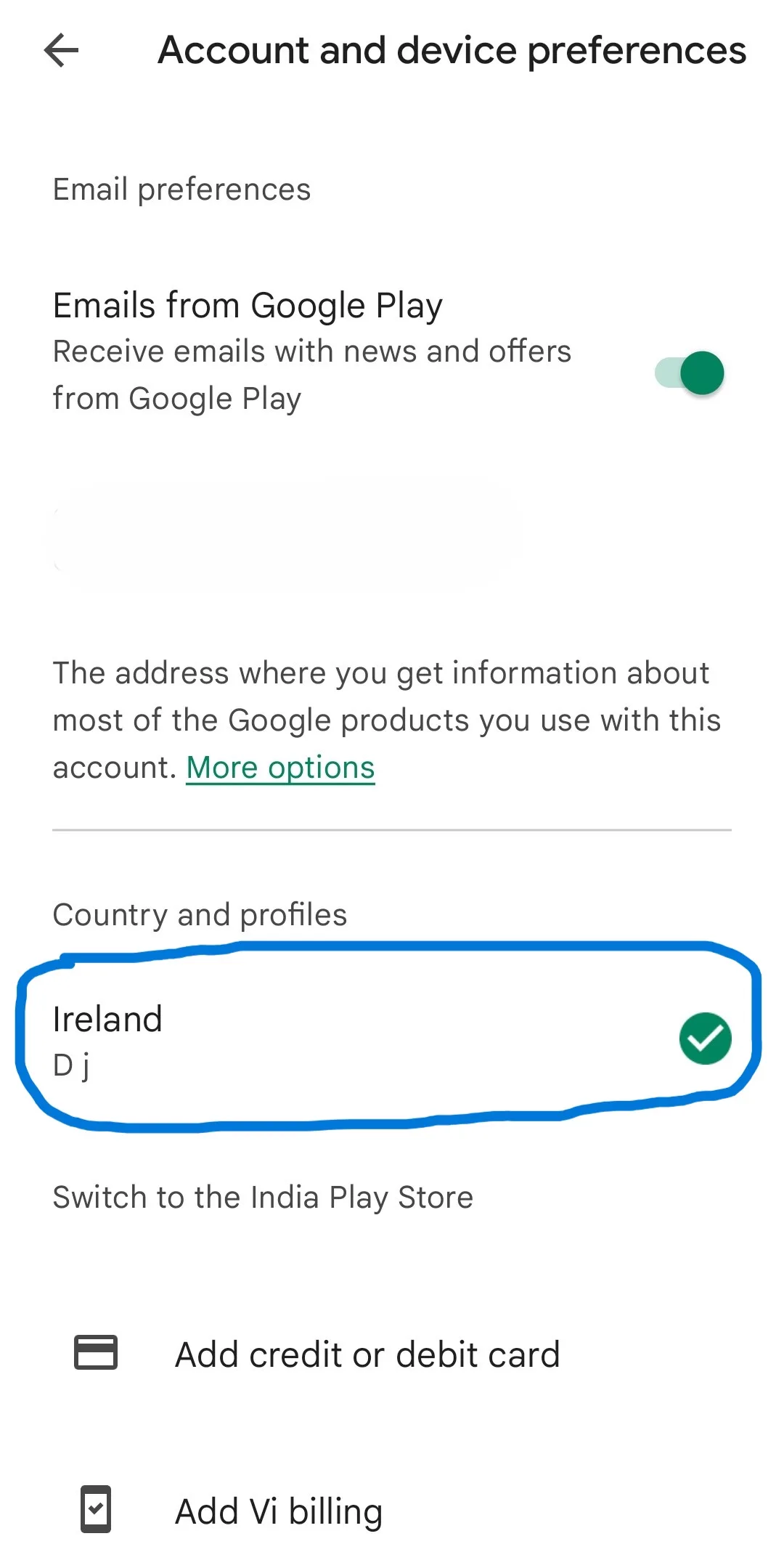
If the section is absent, use the guide for Google Play Country and profiles not showing.
Step 1 Sign in at payments.google.com.
Step 2 Open Settings.
Step 3 Find Payments profile > Country/Region.
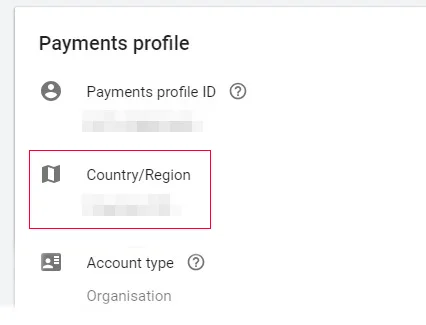
Step 4 If multiple profiles exist, inspect each profile with the profile selector.
First decide which country is factually correct for your current residence and payment setup. Do not select a country only for lower prices or access to restricted content.
Do not delete the old profile
If the two settings look correct but purchases still fail, follow the Google Play country mismatch fixes. If Play Store remains on the old country after the waiting period, use the 48-hour update troubleshooting guide.
Google says existing subscriptions remain active on the old Payments profile unless canceled. To use a subscription with the new country and profile, you may need to cancel it and subscribe again. Availability and price can differ, so check before canceling.
Old-country Play balance cannot be used in the new country, although it stays associated with the old country. Google Play Points and level do not transfer when you change country.
Creating a new Payments profile does not automatically transfer those Play-specific items or move every existing subscription.
No. Google says you must create a new profile to use a different country.
Not necessarily. Play eligibility, physical location, payment method, Family status, and synchronization still apply. Google says the Play profile may take up to 48 hours to update.
Google documentation describes choosing between multiple country-specific Payments profiles. Each individual profile remains associated with only one country.
The selected Payments profile, billing address, card information, physical location, or account synchronization may still be inconsistent.
Google Play country is the country setting for your Play storefront. Google Payments profile is the country-specific billing record behind Google purchases and subscriptions. They work together, but changing one does not automatically or immediately resolve every issue with the other.
For the broader region setup, see How to Check or Change Your Google Account Region.