How to Quickly Access to Camera in iPhone

There are several ways to open the Camera app in iPhone. This tutorial shows three best tricks to access your Camera. With these tricks, you can literally start shooting in less than a second.
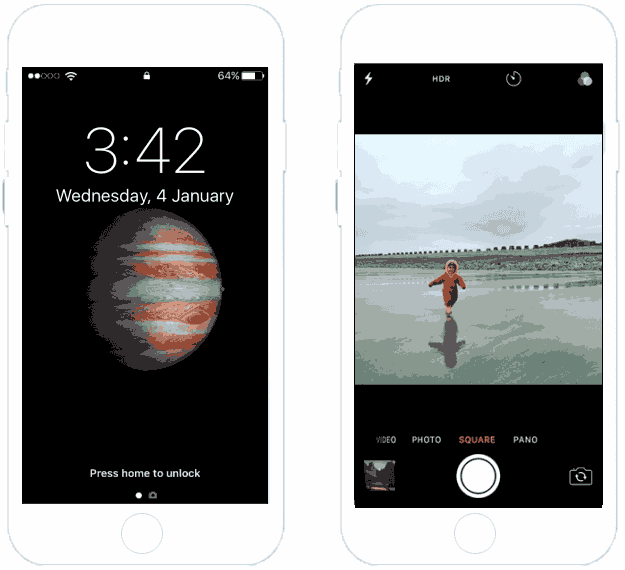
1. Swipe left for Quick Access to your iPhone Camera.
Raise to wake up your iPhone, then swipe left across the lock screen. The camera will open instantly.
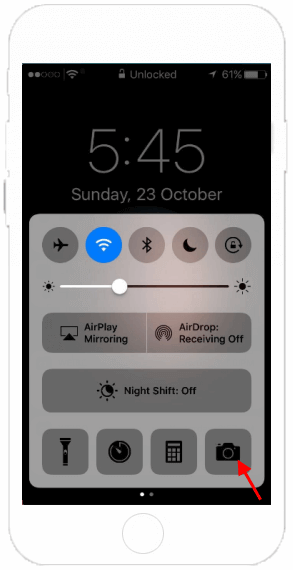
2. Quickly access to Camera from Control Center.
Step 1: Swipe up from the bottom of the screen to open the Control Center.
Step 2: Tap the camera icon and you're ready to shoot.
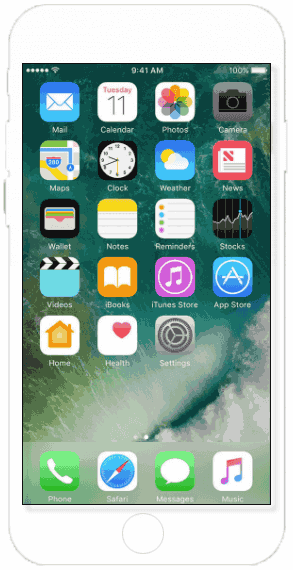
3. Open Camera app from Home Screen.
From your Home screen, tap the Camera app.