Quick Access to Internet Options in Windows 10

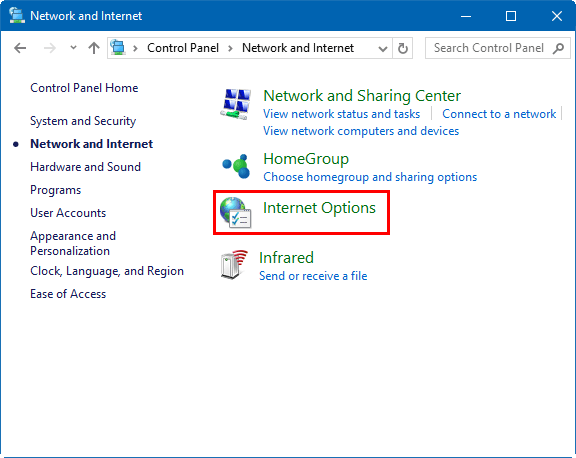
Internet Options in Windows 10 is a crucial settings hub for customizing your internet display and connection. Typically found at Control Panel > Network and Internet > Internet Options, this guide highlights 3 alternative quick methods to access Internet Options or Internet Properties.
3 Efficient Methods to Open Internet Options
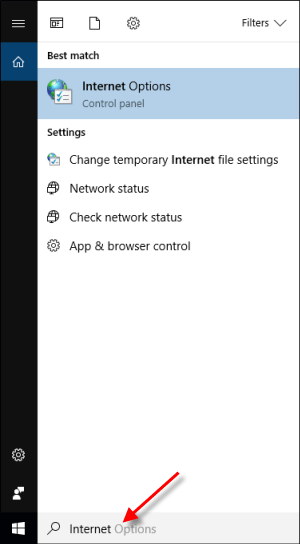
Method 1: Via Search Bar
Activate the Windows search box by pressing the Windows key, type Internet, and press Enter.
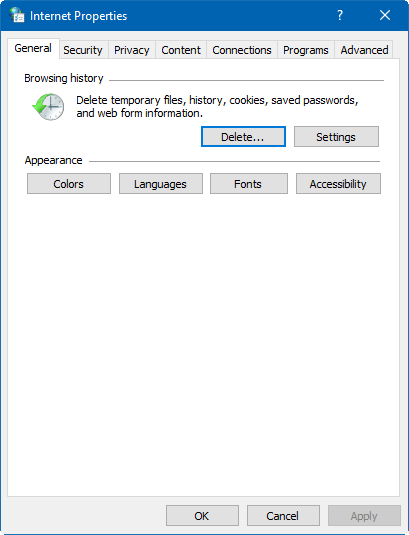
The Internet Properties window will appear.
Method 2: Using Run Dialog
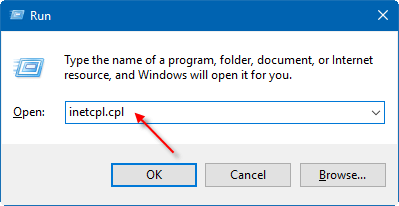
Open the Run dialog with Win+R, input inetcpl.cpl, and hit Enter.
Method 3: Through Control Panel
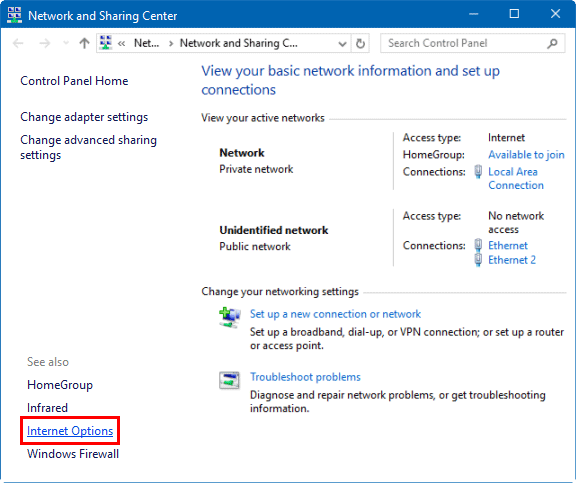
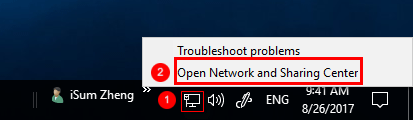
1. Right-click the Internet icon and select Open Network and Sharing Center.
2. Click on Internet Options at the lower left corner of the Control Panel window.