
Android Photo Location Privacy: Why Your GPS Data Disappears & How to Keep It

Have you ever returned from a breathtaking hike, uploaded your photos to a forum or shared them with a friend, only to realize the location tag is completely gone? You are not alone. Let's explore the core reason why this happens and how you can take control of your Android photo location privacy.
Modern Android operating systems are designed with Android photo location privacy at
their core. By default, when you upload photos through a web browser's
<input type="file"> prompt or use wireless sharing methods like
QuickShare, Android automatically scrubs the GPS and EXIF data from your image.
This ensures you aren't accidentally leaking sensitive location data, like your home address, when
you post an image online.
- The Mystery of the Disappearing Location Data
- Privacy vs. Functionality: Why Does Android Do This?
- How to Keep Location Data When Transferring Photos
- Conclusion
The Mystery of the Disappearing Location Data

When you capture a photo with your mobile device, the camera app often stores a wealth of metadata within the file. This metadata is commonly known as EXIF data (Exchangeable Image File Format). It contains details like the camera settings, date, time, and, crucially, the GPS coordinates where the image was taken.
However, when you attempt to strip EXIF data Android functions take over. If you upload a file via a web browser or share it using certain built-in sharing protocols, the Android OS intercepts the file. To protect your privacy, it acts as a filter, generating a copy of your photo that is completely devoid of its original location tag. For most users, this invisible security layer is highly beneficial.
Privacy vs. Functionality: Why Does Android Do This?

You might wonder why these strict Android privacy features are turned on by default. The answer boils down to standardizing safety for billions of users.
Unlike raw file transfers, web uploads and quick sharing features are commonly used to interact with strangers on social media platforms, classified ad sites, and public forums. If your device didn't intervene with a QuickShare photo location scrub, uploading a simple picture of a pet in your living room could broadcast your exact home address to anyone who analyzes the photo's EXIF data. Android prioritizes keeping users safe over maintaining original file integrity.
How to Keep Location Data When Transferring Photos
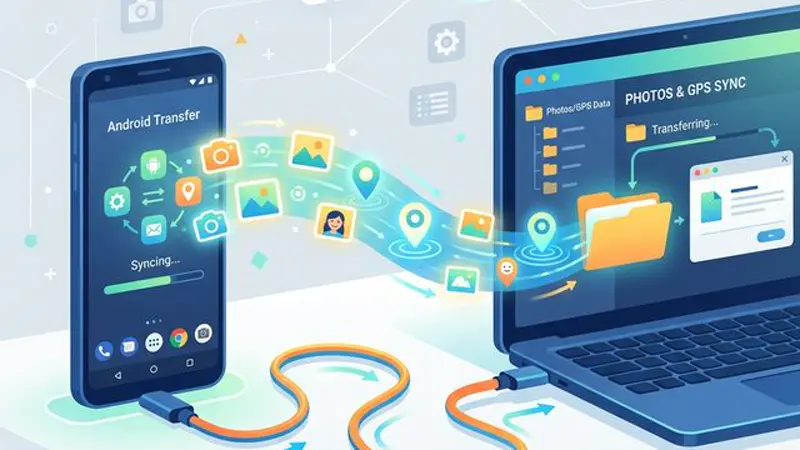
What if you're a photographer, a researcher, or simply someone trying to archive their memories securely? If you need to keep GPS data photos Android protocols can be bypassed. Here are the most effective methods to ensure your mobile device file management doesn't compromise your data:
1. Transfer Photos via USB Cable
The most foolproof method to retain all EXIF and GPS data is to transfer photos USB Android explicitly permits raw file access over a wired connection. By connecting your phone directly to your computer with a USB cable and selecting "File Transfer" (MTP), you can copy the unaltered photo files from your DCIM folder straight to your hard drive.
2. Use Specialized Third-Party Apps
Certain file management and photo gallery applications have the necessary system permissions to access and share the raw files. When you share a photo through an app like Google Drive, Dropbox, or an advanced file explorer (instead of directly through Web or QuickShare shortcuts), the original EXIF data is preserved.
3. Adjust Sharing Settings (If Available)
Depending on your manufacturer's specific flavor of Android (like Samsung's One UI or Google's Pixel UI), you may have the option to toggle location sharing when using the share sheet. Look for a small "Options" or "Privacy" text near the top of the screen when sharing an image, and ensure that the "Include location data" toggle is activated.
Conclusion
Balancing functional mobile device file management with strict security measures is no easy feat. Android photo location privacy defaults are undeniably a lifesaver for the average user, preventing widespread accidental exposure of personal data. However, professionals and privacy-conscious users must remain aware of how these systems operate under the hood to ensure they don't lose vital EXIF data when they actually need it.