Getting locked out of your Windows 11 PC is frustrating? Especially after upgrading to Windows 11 25H2. The good news: in most cases, you can regain access quickly without reinstalling Windows.
In this guide, we'll walk through the fastest recovery paths based on your account type, and show when a professional reset tool like iSumsoft Windows Password Refixer is the most efficient option.
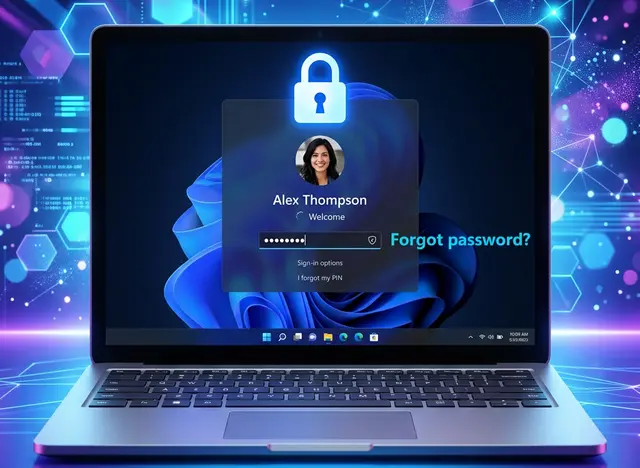
After 25H2 updates, users commonly report:
The right method depends on two things:
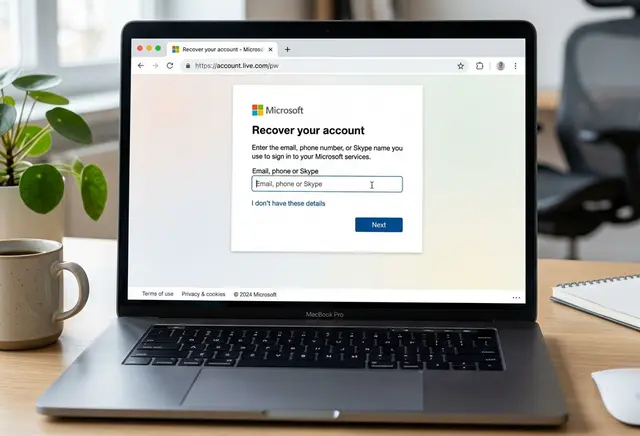
If your login email is a Microsoft account (Outlook/Hotmail/Live/custom Microsoft-linked email), do this first:
Step 1On another device, open Microsoft account password recovery page.
Step 2Complete identity verification.
Step 3Set a new password.
Step 4Return to your locked PC and sign in with the new password.
Tip: Make sure the locked PC is online, so new credentials sync correctly.
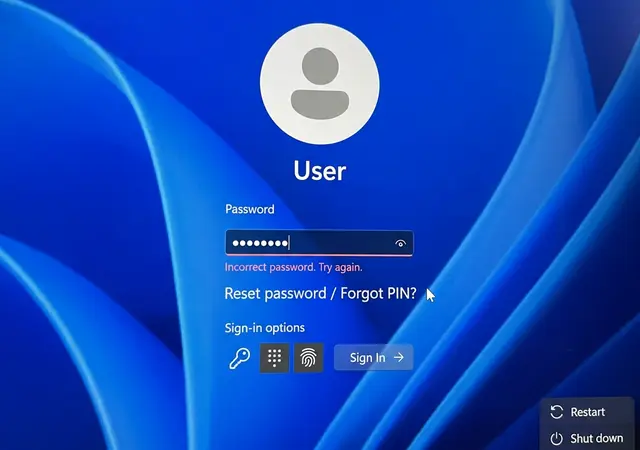
If you use a local account and set security questions:
Step 1Enter an incorrect password once.
Step 2Click Reset password.
Step 3Answer security questions.
Step 4Create a new password and sign in.
If this option does not appear, go to Method 3.
When built-in options fail, this is usually the fastest practical recovery path for local account lockouts.
Step 1Install and launch iSumsoft Windows Password Refixer on the working PC.

iSumsoft Windows Password Refixer
Step 2Create a bootable USB reset disk.
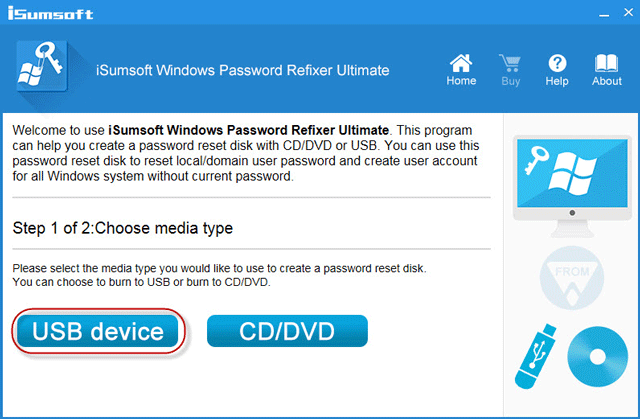
Step 3Insert the USB into the locked Windows 11 25H2 PC.
Step 4Boot from USB.
Step 5Select the Windows installation and target user account.
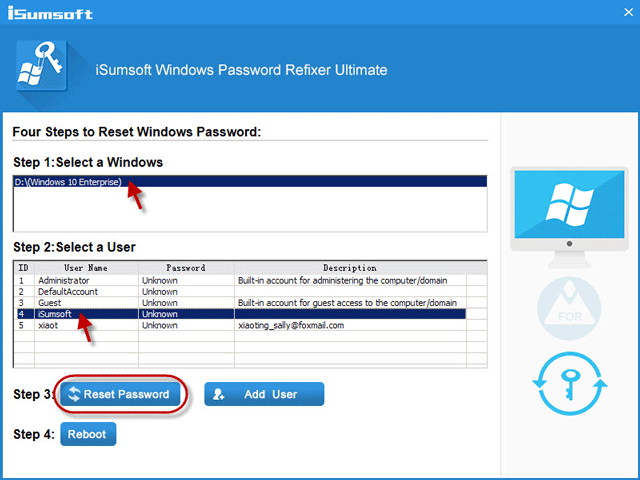
Step 6Reset/remove the password, then reboot normally.
In many cases, this restores access in minutes and avoids full system reinstall.
If your system drive is BitLocker-protected, password reset is only part of the process.
Without a valid recovery key, no tool can decrypt protected data on an encrypted drive.
If you forgot your Windows 11 password on 25H2, the fastest route is:
For users who need speed, simplicity, and a clear recovery workflow, iSumsoft provides one of the most direct ways to regain access without reinstalling Windows.