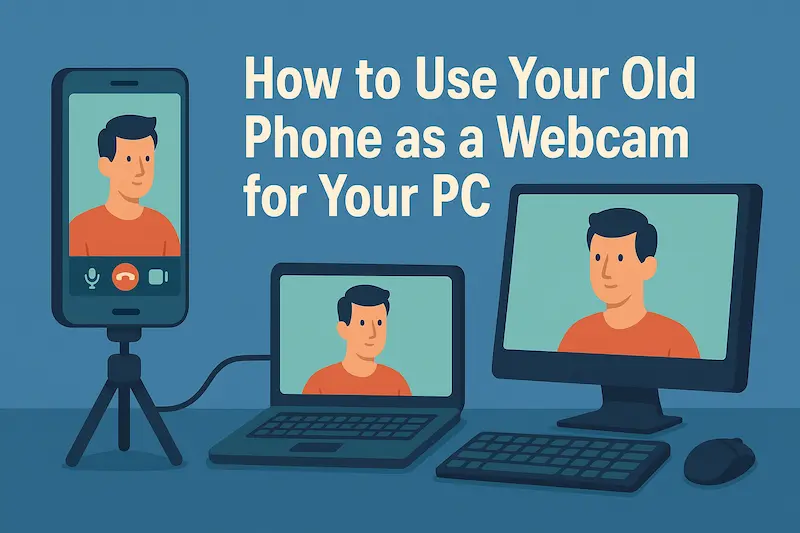
How to Use Your Old Phone as a Webcam for Your PC

Cell phones are being updated faster and faster, and many people typically have two, if not three, cell phones - what do you do with your old ones? Would you want to put them in an old cell phone museum? Just kidding, so have you thought about how to give your cell phone a second life? Today's article will take you through how to make your museum phone a webcam for your computer!
- 1. Why this Matter?
- 2. Desktop/Laptop Configuration Requirements
- 3. Mobile Configuration Requirements
- 4. Connect your cell phone and computer
- 5. Adding a webcam in the settings
- 6. FAQs
Why this Matter?
1. Since ordinary desktop computers generally do not come with their own webcam.
2. Even if your laptop carries a webcam, the clarity of the webcam that comes with it may only be 480p or 720p, which makes it very inconvenient to use.
3. Give your old cell phone a second life and avoid eating dust.
4. If you have a need for live streaming, this will help you save your budget for a webcam.
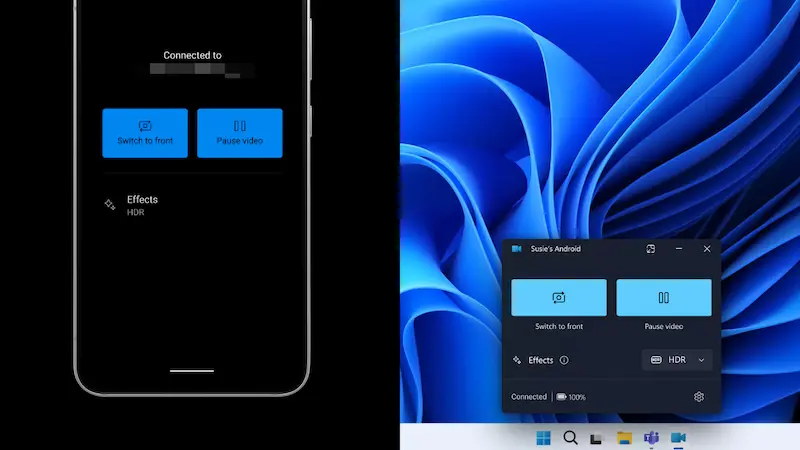
If the above four points are helpful to you, you can follow the configuration below to see if your device supports this operation!
Desktop/Laptop Configuration Requirements
Windows 10/11 operating systems
Tips 1:
- Windows 11 may have better compatibility than Windows 10, if your are still using Windows 10, I highly recommend to update to Windows 11 by following this post: How to Install Windows 11 without TPM 2.0 and Secure Boot
Install the latest version of Phone-Link app (usually comes with it)
With a network card (able to connect to the same LAN as the cell phone)
Mobile Configuration Requirements
With front/rear camera (the clearer the better)
A Phone-Link supported device.
Tips 2:
- You can check if your mobile device supports Phone Link according to this document
Use your phone's built-in Link to Windows or go to the Google Play Store to download it.
If you fulfill the above conditions, congratulations! Just follow the steps below phone link webcam tutorial to connect your cell phone camera to your computer.
Connect your cell phone and computer
For detailed steps, you can refer to this article we wrote before: Phone Link: Easily Connect Phone and Windows PC to complete the connection
Adding a webcam in the settings
After the connection is done it's basically a big part of the process, next you just need to add your cell phone camera to webcam in the settings, follow the steps below to check it out.
Step 1 Open Windows Settings, Bluetooth and Other Devices, Mobile Devices, click Manage Devices

Step 2 Turn on the option to use as a connected camera under your phone

Step 3 Finally in the camera settings you can test your camera.


Tips 3:
- When using your phone's camera, the phone needs to remain unlocked, click to also switch the front or rear camera.

FAQs
Does the iPhone work like this too?
The iPhone is able to connect to Phone Link, but it requires Windows 11 to use it. As for the webcam function, Microsoft may not support it at the moment, and the iPhone can use a Mac to accomplish similar operations.
What other free software can I use to make a camera from my cell phone?
DroidCam, Iriun Webcam , Camo Studio (Reincubate), etc. are all available as options, but some may require internal purchases to use them, and it is recommended to use Phone Link to make it simpler and more direct.
Is there a delay in using a cell phone as a computer camera?
There is almost no latency, I could hardly feel the latency when I was using it, but of course I tested it when your internet is not laggy.
Related Articles
-
![clean C drive without formatting]() How to Clean C Drive in
Windows 10 without Formatting
How to Clean C Drive in
Windows 10 without Formatting
-
![remove all junk files Windows 10]() How to Remove All Junk Files
from Windows 10 Computer
How to Remove All Junk Files
from Windows 10 Computer
-
![extend C drive in Windows 10]() How
to Extend C Drive in Windows 10 without Formatting
How
to Extend C Drive in Windows 10 without Formatting
-
![copy C drive to external hard drive]() How to Copy C
Drive to External Hard Drive in Windows 10
How to Copy C
Drive to External Hard Drive in Windows 10
-
![merge C drive and D drive]() Merge C Drive and D Drive in
Windows 10 without Losing Data
Merge C Drive and D Drive in
Windows 10 without Losing Data
-
![free up SSD space]() 6 Tips to Free Up Space on SSD in
Windows 10
6 Tips to Free Up Space on SSD in
Windows 10