How to Open and Use Voice Recorder in Windows 10

Voice Recorder is an app that can be used to record audio including lectures, conversations, and other sounds (previously called Sound Recorder). This article describes several ways to open and use Voice Recorder in Windows 10.
How to Open Voice Recorder in Windows 10
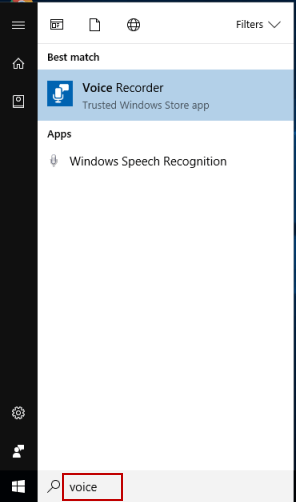
Way 1: to open Voice Recorder from Search.
Type voice in the search box on the taskbar, and then press Enter key.
Way 2: Open Voice Recorder from Start.
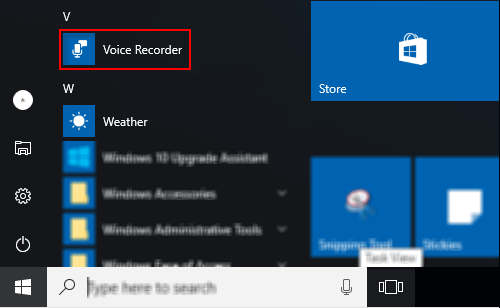
You can find Voice Recorder in the All List under V by clicking the Start button.
How to use Voice Recorder to record audio
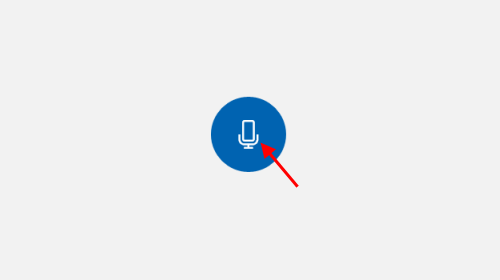
Click Start Record button to start your recording.
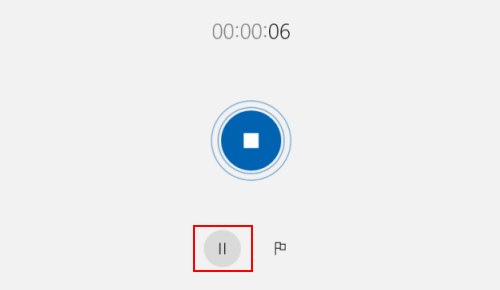
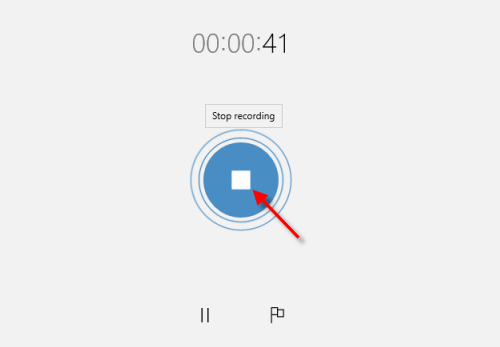
To pause recording, click on the Pause button.
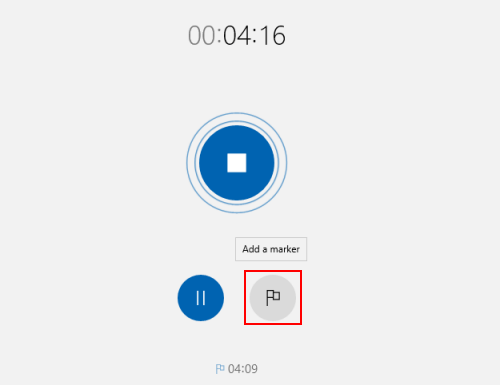
You can add markers to identify key moments as you record or play.
To save the recording, click Stop. You'll see the recording appear in your list of recordings.
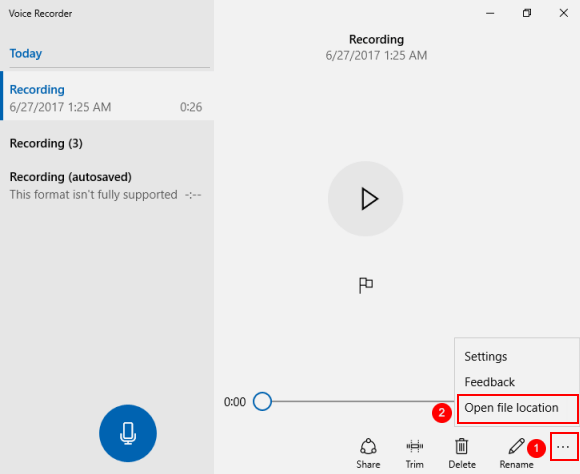
Then you can trim, rename, or share your recordings. To see where recording file saved, right-click on three dots on the lower-right corner, select Open the file location.